eCourts Case Status Checker
Fast, mobile-friendly case status search for Delhi High Court and district courts on the eCourts system. Search by CNR number or advanced filters, then see hearing dates, orders, and plain-English guidance on what the status usually means. Verify critical dates directly at ecourts.gov.in.
Example:
DLDT01-000123-2024
What is a CNR number and where do I find it?
CNR (Case Number Record) is a unique 16-character alphanumeric identifier assigned to every case in the eCourts system. You'll find it on the top of cause lists, order copies, and any receipt from the court filing counter. It looks like: DLDT01-000123-2024.
Does this cover High Court cases?
Yes — the eCourts platform covers district courts and several high courts integrated with the national system. Some high courts have separate portals (e.g., Delhi High Court's official website). For Supreme Court matters, use sci.gov.in directly.
What should I do if my next date has passed with no order?
Cases are routinely adjourned and the next date may not update immediately in the system. Check the cause list for the relevant court and date at ecourts.gov.in. If the matter is urgent or you suspect something has been missed, reach out to your advocate immediately.
Is this data official or verified?
Data is sourced from the eCourts API which aggregates from official court records. However, always verify critical hearing dates and orders directly at ecourts.gov.in or with your advocate. This tool does not constitute legal advice.
What is a CNR number and where do I find it?
The CNR is the easiest and most reliable way to find your case. It appears on cause lists, order sheets, filing receipts, and often on lawyer communications. If you only have the case number, you can still use the official eCourts portal to identify the CNR and then come back here for a cleaner lookup.
How to check case status if you do not have the CNR
Use the Advanced Search tab if you know some combination of these details:
- party or litigant name
- advocate name
- judge name
- filing date range
- court code, if known
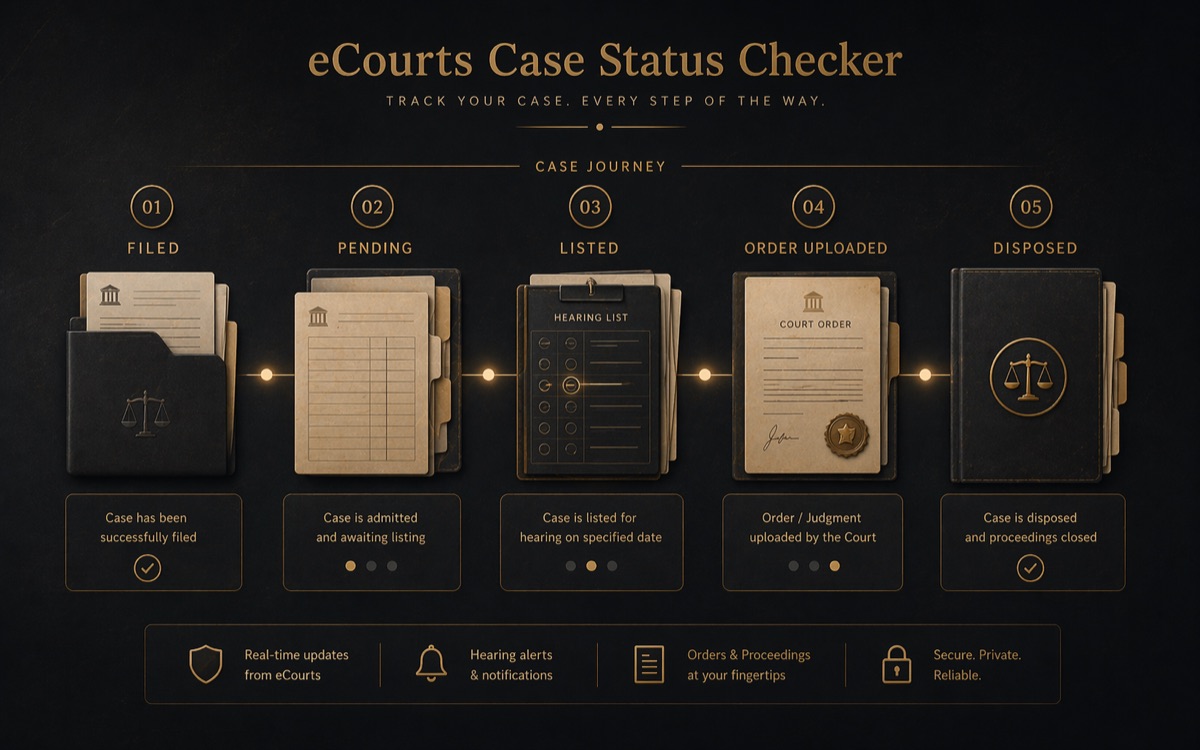
What common status labels usually mean
What to do if your case status has not updated for months
Delays in the displayed status do happen. Before assuming the matter is dormant, check:
- the latest cause list for the court
- whether a fresh order has been uploaded
- whether the next date was changed in open court
- whether your advocate has a more recent order-sheet update
If the record shows a hearing coming up, use the cause list checker next. If it shows a disposal, uploaded order, or a status you do not understand, move to a short case assessment.
May 2026 case status refresh
Case status and cause list searches answer different questions. Case status tells you the history of a matter: CNR, parties, filing date, next hearing date, orders and stage. The cause list tells you whether the matter is actually on a judge's board for a particular day and at what item number. For urgent Delhi matters, check both: use case status to verify the next date and the cause list checker on the evening before and morning of the hearing.
If the eCourts feed shows an old date, no next date, or a missing order, cross-check the official court portal. Delhi High Court, Supreme Court and tribunal matters often have separate official search systems. A screenshot of the latest case status, last order and cause list entry is useful when briefing counsel before a hearing.